Jobs and Recruitement
Automate Candidate Screening Process
Recruitment teams often spend countless hours manually reviewing resumes and profiles, slowing hiring and increasing the risk of missing top talent.

Custom workflow setup
1
Quick Setup
Install the Pline extension and begin automated data extraction on your selected job board.
2
Workflow Customization
Select the fields you need such as job title, salary, and location, then easily set up your custom workflow.
3
Easy Export
Run the workflow to extract and export your data, then save it for future use.
The Impact
Smarter Hiring With Structured Candidate Data
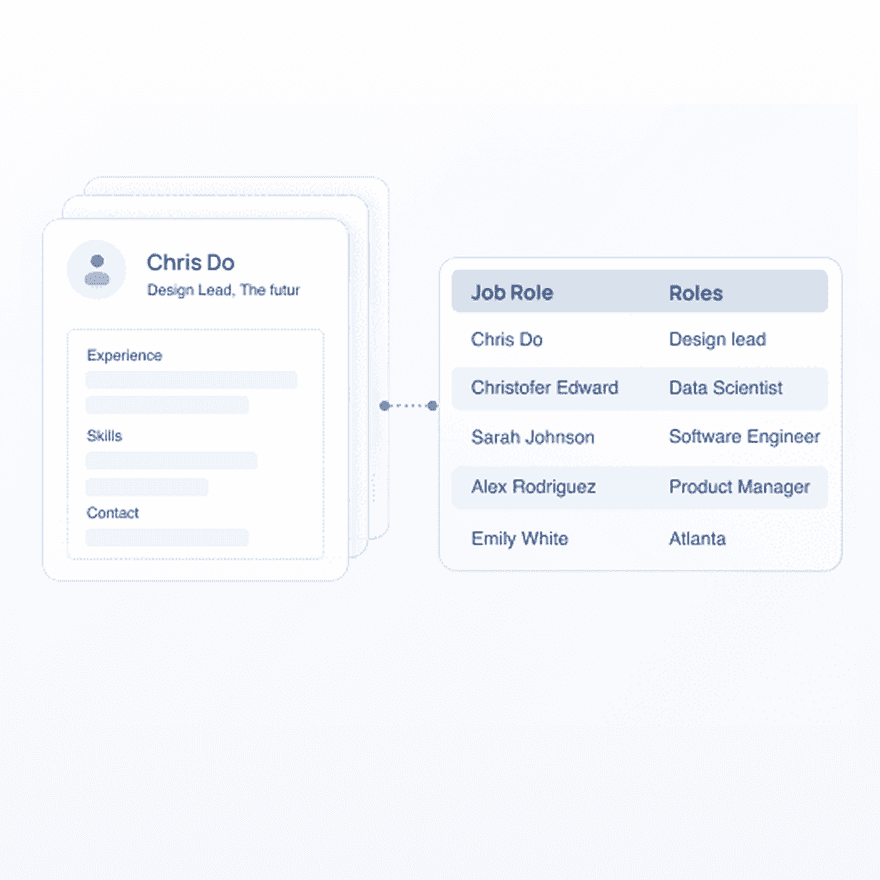
Pline transforms candidate profiles into structured, searchable data, empowering talent acquisition teams and recruiters to efficiently filter candidates by skills, experience, certifications, and more. By reducing manual data entry and streamlining hiring workflows, Pline accelerates faster, data-driven decisions in both high-volume and niche recruitment.
Prebuilt Workflows



FAQs
What is Quick Profile Parsing in recruitment?
Can I preview the data before running a full extraction?
How does Pline speed up the profile screening process?
Do I need coding skills to use Pline?
Can I share Pline workflows or datasets with my team?
Can I track changes to job listings, such as updated salaries or statuses?
Can I use Pline to analyze job demand for specific skills or tools?
What impact does Pline have on recruitment efficiency?
Who benefits the most from using Pline for profile extraction?